Experience Sitecore ! | All posts tagged 'Troubleshooting'

Experience Sitecore !

More than 300 articles about the best DXP by Martin Miles

Glass Mapper with Sitecore 9 and Helix

I was trying to implement T4 CodeGeneration of Glass Mapper for my current Helix on Sitecore 9 project. In the beginning, it all went well, and I did not suspect any of issues. However, the issues still occurred later when trying to navigate to LaunchPad. I have been presented a very confusing error with the description, saying:

The file '/sitecore/shell/client/Speak/Layouts/Layouts/Speak-Layout.cshtml' does not exist.

on the following screen:


After investigating a call stack, I came to the conclusion that it is definitely something with Glass Mapper. After playing a while with my configuration, I have identified exact getModel pipeline processor that triggered that issue:

  <mvc.getModel>
    <processor patch:before="*[@type='Sitecore.Mvc.Pipelines.Response.GetModel.GetFromItem, Sitecore.Mvc']" 
         type="Glass.Mapper.Sc.Pipelines.Response.GetModelFromView, Glass.Mapper.Sc.Mvc"/>
  </mvc.getModel>

Commenting this line returned LaunchPad fully functional, however, obviously, Glass Mapper stopped working with a familiar Sitecore MVC error:

The model item passed into the dictionary is of type 'Sitecore.Mvc.Presentation.RenderingModel', but this dictionary requires a model item of type 'Sitecore.Feature.Navigation.Models.ILink'.

So I started digging around and assumed that maybe I have got not the latest version of Glass, that does not support Sitecore 9. With that in mind, I updated to latest stable version of Glass, which was 4.4.0.199. After upgrading, I tried to run build but it failed. Again, much time spent on investigation, so later found out that latest version of Glass does not have namespace Glass.Mapper.Sc.Configuration.Attributes. Previously that namespace was at Glass.Mapper.Sc.dll but that dll did not present within the latest package.

Suddenly ReSharper came into a play, obligingly offering to reference required library. After ReSharper added that reference - project compiled successfully. I performed a deployment, and ... it broke again, with the same error. What? Why? How? I couldn't understand that...

Furthermore investigations... at some moment, I noticed that ReSharper referenced one of the old Glass.Mapper.Sc.dll from somewhere, so the very first thing I made sure was to provide thorough sanity check and fix across entire solution. After removing all Glass Mapper trails, I've readded latest version of Glass Mapper again, and expectedly it did not find that namespace, mentioned above.

At this time I took dotPeek and carefully went through all the libraries. Just to find out that there is no such namespace, indeed- in all of the Glass libraries.

But wait! What if... What if.. If I try to check that namespace in the latest beta version?

So I picked up the latest available beta version, which was 4.4.1.331 ...

Install-Package Glass.Mapper.Sc -Version 4.4.1.331-beta

... and voila!!! Namespaces were there. So I decided to go ahead with that beta versions, and trick did work!

After couple more sanity clean-up in both my solution and web folder, I finally did some required configuration changes, then install for certain projects in your solution and finally concluded that solution work well for me.

Why am I getting "Item is not a template" error on data items in Content Editor?

Very simple and even stupid error I have met few times, just want to describe it here to make it google-searchable so that it might help someone.

Image you're going across you content items , and when clicking by one of your data items, you see similar screen, saying: Item "/sitecore/content/Home/Data/Simple item" is not a template.


First of all, why does I got yellow screen? Well, the error is quite descriptive, saying that my Simple item is not a template.

Sure, it isn't, we know that and can prove that by clicking Content tab, that will show us exactly the item's data:


But why on earth do I see other two tabs, that shouldn't be there for data item?

The answer can be either of two cases:

1. Simple silly case - the template of you item is either directly inherited from default Template item (located at /sitecore/templates/System/Templates/Template) rather than Standard template (/sitecore/templates/System/Templates/Standard template).


In that case simply replace one with Standard template to fix.

2. More complex case - when you're likely to have a complicated inheritance chain, especially if you are working with Helix or playing around Habitat. It that case your data item is based on a composite template, that is likely to inherit multiple other templates, at least one of which inherits from Template rather than Standard template, exactly as described in a case above. Solution is the same as above - identify the culprit and change inheritance to Standard template.

Finally your data will be based on correct set of templates and you won't evidence unwanted tabs anymore.

Hope this post helps someone!

PowerShell Module issue - got a NullReferenceException when trying to open PowerShell ISE

Today I downloaded the latest (v.3.1 for Sitecore 8_001) PowerShell module and decided to play around one concept I hoped to push forward. But unfortunately, as soon as I opened ISE window, I got a NullReferenceException.


I thought that could possibly be related to my Sitecore instance. Thus I have installed a new copy of Sitecore 8.0.4 using Sitecore Instance Manager. Then tried to install package at that instance and magically worked there. So, two instances with the same Sitecore version, same PowerShell module, but different results... hm-m...

Then I assumed that ISE is trying to run some default script and probably that fact for some reason causes the exception. So, what are difference between two instances? I thought that initial ISE script might be rely on home item, and the one may be hardcoded, while my first sitecore instance has several website roots, but none of them is called Home. Worth of checking that idea. Just as the quickest, I have duplicated one of my webroots within /sitecore/content node and set a copy with the name Home. And voila - it magically worked for me!


Sitecore 8: re-indexing errors out and module installation never ends without MongoDB running

What is happening? we got a commonly met point of frustration since recent - imagine, you have just installed an instance of Sitecore 8 and are trying to install some useful modules, for example Web Forms for Marketers 8.0 or PowerShell Module. And all you get is never-ending progress box dialog.
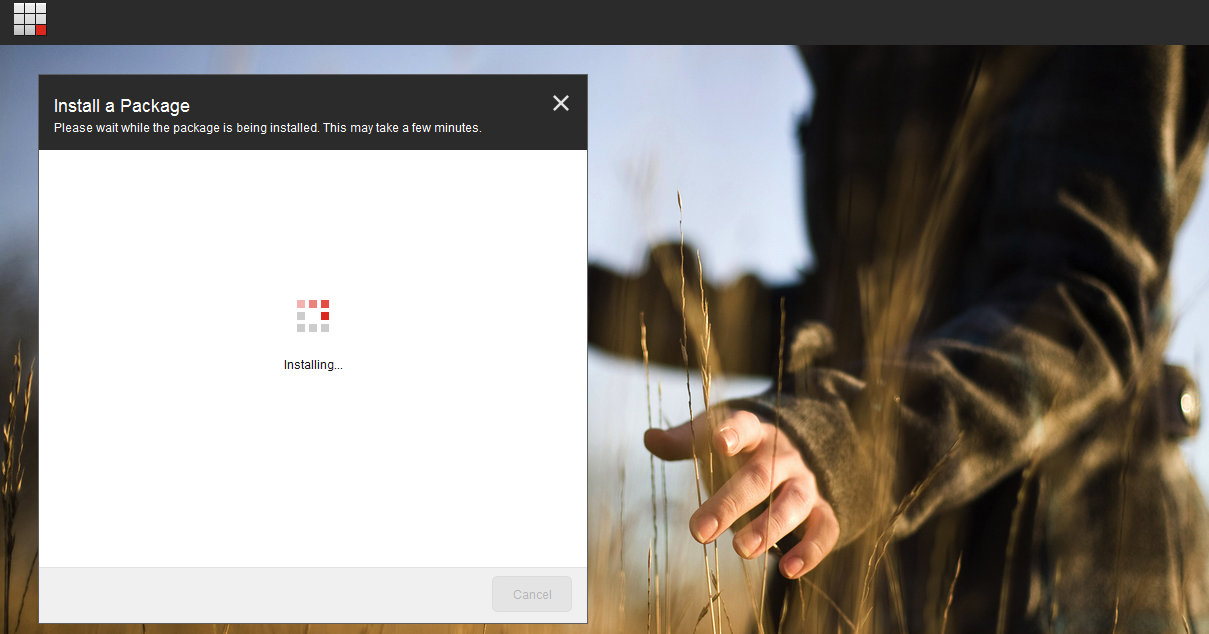

However that occurs not only while installing a module, but also when trying to rebuild indexes via built-in Developer toolbar interface. Same story, but at least this time it tries to tell us something with View all messages section, unfortunately unsuccessfully - there are no any error messages seen once you expand this box.
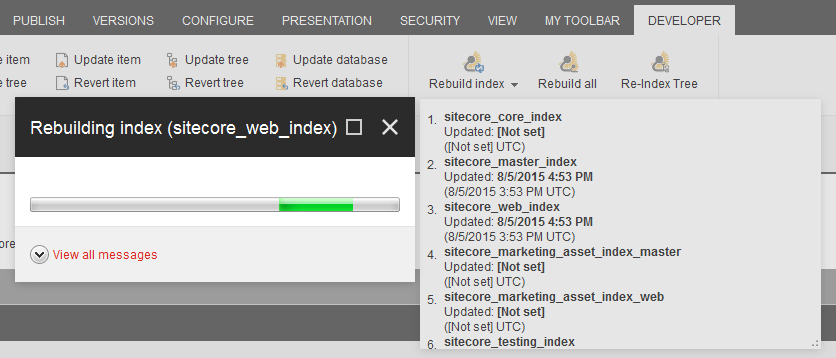


Why is it happening? Going through log files made me thinking there is something with xDB, it looks like sitecore tries to perform write operation into Mongo, but is not able to do. And because Sitecore 8 is now using modern client-based SPEAK interface instead of outdated SheerUI, the back-end where in fact an error occurs is not able to notify client about that (I believe is it not yet implemented and would be fixed with future updates).

How to fix? Let's install and run MondoDB. After default windows installation, the easiest way of running Mongo would be just running its server with dbpath parameter to where DB placed. I say the easiest because there is a better alternative to run MongoDB as Windows service application, so that it will run on system start up.
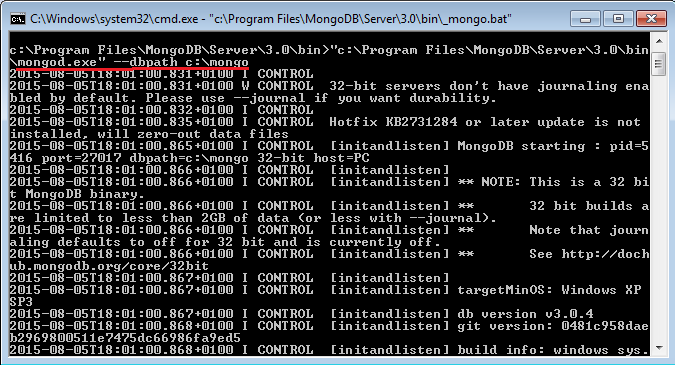

So, as soon Mongo is up and running, let's test our assumption and try to re-build Lucene indexes again:
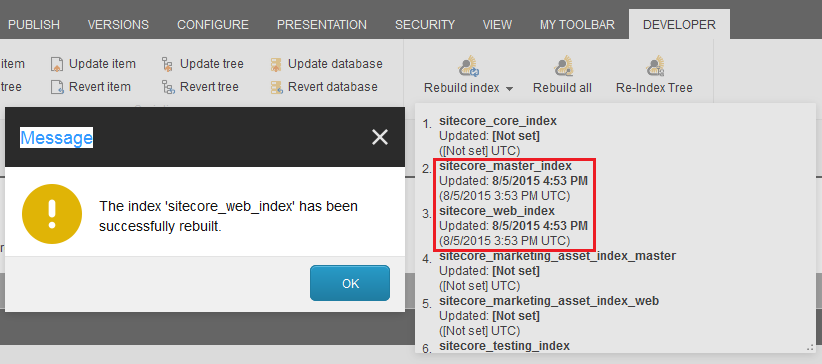

And bingo! It now works well! Hope this solution helps.