Experience Sitecore ! | All posts tagged 'Sitecore 10'
Experience Sitecore !

More than 300 articles about the best DXP by Martin Miles

The Game Has Changed with Sitecore AI and the Dawn of the Agentic Era

For years, I’ve been navigating the ever-evolving landscape of Sitecore, and I’ve witnessed my fair share of pivotal moments. From the shift to Helix to the dawn of the composable DXP with XM Cloud, we’ve adapted and grown. But let me tell you, what I saw unfold at Sitecore Symposium 2025 feels different. This isn’t just another incremental update or a new product bolted on the side. This is a fundamental rewiring of the platform’s DNA. Sitecore has officially planted its flag, not just in the AI-powered future, but in the agentic era.

Let’s be honest: the buzz around AI has been deafening, and for a while, it felt like every tech company was just scrambling to add a "copilot" to their UI. I’ve been cautiously optimistic, waiting for a vendor to show a truly integrated, enterprise-ready vision. After seeing the announcements from Symposium, I can say that Sitecore has stepped up and delivered a cohesive, powerful, and surprisingly practical platform for this new reality.

The Writing on the Wall: It’s Not Your Website Anymore

CEO Eric Stine set the stage perfectly during his opening keynote. He confronted a reality that many of us in the content and marketing world are grappling with: customer journeys are no longer starting with a Google search that leads to our beautifully crafted homepages. They’re starting in social media feeds, and increasingly, in the summarized answers of generative AI models. Eric delivered a line that will stick with me:

Our content isn’t driving traffic anymore. Our content is the traffic.
This single statement encapsulates the existential shift we’re facing. If our content is being consumed, summarized, and re-packaged by AI before a user ever reaches our domain, how do we maintain control of our brand’s narrative and experience? Sitecore’s answer is not to fight this trend, but to build a platform that thrives in it. That platform is SitecoreAI.

SitecoreAI is the New Foundation

First things first, SitecoreAI is not just a new set of features; it’s the new name and foundation for Sitecore’s entire composable DXP. It represents the formal unification of XM Cloud, Content Hub DAM, CDP & Personalize, as well as Search, into a single, AI-enabled SaaS platform. For existing XM Cloud customers, the best part is that this transition is automatic, with no migration or new contract required.

This move addresses a major pain point many of us have felt: the complexity of a composable stack. By bringing everything under one roof with a single data model and workflow, Sitecore is finally delivering on the promise of composable without the fragmentation.

A New Commercial Model: Power Without Punishment

Perhaps the most surprising and welcome announcement came from COO Dave Tilbury. He acknowledged the painful reality of enterprise software procurement and announced a radical simplification of Sitecore’s commercial model.

The key takeaways are transformative:

  1. Simplified Pricing: Every major capability now has a single metric driving its price. No more juggling page views, API calls, and bandwidth caps.
  2. Full Suite Access: When you buy one module, you get production-scale access to the entire SitecoreAI suite (CMS, DAM, Personalization, etc.). You can experiment and prove value before committing to a broader rollout.
  3. AI is Included: In a world where competitors are selling AI by the token, Sitecore has made a bold move. All AI agents, copilots, and workflows are included. No upsells, no credits, no games.

This commitment to simplicity and value is a massive statement of confidence in the platform and a huge win for the entire Sitecore community.

The Rise of the Agents: Moving from Copilots to Autonomous Teams

The most profound shift introduced with SitecoreAI is the move from simple copilots to true agentic AI. An agent is more than just a chatbot that answers questions; it’s an autonomous entity that can understand a goal, create a plan, and execute multi-step tasks to achieve it.

SitecoreAI ships with 20(!) pre-built agents out of the box, ready to automate complex workflows. We’re talking about things like:

  • Migration Tooling Agents: Used by brands like Regal Rexnord and Hexagon to consolidate dozens of legacy sites, cutting migration timelines from months to weeks.
  • Contextually Aware Content Agents: Leveraged by Berkeley Homes and AFL to generate highly targeted content for specific audiences and channels.
  • Campaign & Strategy Agents: Capable of drafting creative briefs, identifying audiences, and even optimizing budgets.
These agents work within Agentic Flows and Spaces inside the Agentic Studio, creating a collaborative environment where marketers can direct, review, and approve the work being done by their new AI team members.

Under the Hood - How the Magic Actually Works

For the technical folks like me, this is where it gets really interesting. This isn’t just black-box magic; it’s built on a robust and open architecture. The key is the decent variety of Unified APIs along with Marketer MCP (Model Context Protocol).

The MCP acts as a secure bridge, translating natural language requests from a marketer into concrete actions. When a marketer asks an agent to “create a new landing page for the summer campaign with a personalized banner for returning visitors,” the MCP interprets this request and uses the Agent API to execute the necessary steps in Sitecore: creating the page, adding the components, applying the personalization rule, and so on.

Each "tool" an agent can use corresponds to a secure, governed endpoint in the Agent API, covering everything from site management and content creation to personalization. This provides the perfect blend of power and safety, ensuring that AI agents operate within the same permission-based framework as human users.

The First User Experience and the New User Interface

Upon the very first run, you will receive these introduction popups:

Now let's take a look at the new way of the tools organization.

1. Strategy

Strategy in SitecoreAI unifies planning, collaboration, and delivery in a single workspace. Marketers can move from brief to campaign to deliverables and tasks without switching tools, with AI enhancing every step. Strategy acts as the planning front door to Sitecore’s marketing cloud, linking creative and operational workflows across teams.

Work is often planned in scattered docs, sheets, or project tools, while execution lives inside Sitecore. Teams lack one place to see what is planned, what is due, and what is blocked across campaigns and briefs. Strategy provides that shared view and gives AI a clear surface to help with planning, prioritization, and decision making.

  • Overview, a central dashboard for campaign planning that shows pinned sites, a snapshot of site analytics, upcoming campaigns, a briefs tracker, and a lightweight deliverables calendar.

  • Assistant is used to generate briefs directly in the brand-aware assistant chat using natural language, publish them right away, then refine details in the Briefs workspace.

    Briefs allows you create, view, and edit briefs made manually or with AI in a single editor page. Link related campaigns, add comments, assign tasks, and convert approved briefs into draft campaigns with one click.

    Campaigns lets you manage every campaign in one place. Review campaigns converted from briefs or created manually, add deliverables and tasks, assign owners, and set timelines to track progress.

2. Channels

In SitecoreAI, Channels is the primary workspace for building and managing digital experiences, it centralizes everything needed to create and organize sites and site collections. You open it from the navigation menu by selecting Channels. Within Channels, teams can create and manage sites from templates or copies, adjust site settings, and open sites in Page Builder for content updates. They can also create and manage site collections to group related sites for shared resources and organized projects, build web pages in Page Builder to design, edit, and personalize with components and content, and personalize and test experiences by creating page variants and running A/B/n tests on components.

An Agentic studio widget sits below the navigation menu, providing entry to agentic features in Agentic Studio. To use these agentic features, Stream must be enabled in the Sitecore Cloud Portal, if it is not enabled, click Enable Stream in Cloud Portal and follow the on screen steps.

3. Design

SitecoreAI Design is a unified workspace that brings together the Design studio, components, forms, and brand kits so teams can create, configure, and publish reusable building blocks for Page builder. From the Design sidebar, users can see totals for draft and live items, open full lists, adjust visualization values, generate variants with AI, and access the Agentic studio widget. To use agentic features, Stream must be enabled in the Sitecore Cloud Portal. Forms can be built or templated and activated in Page builder, and brand kits align AI generated content to brand guidelines through uploaded source documents and access controls.

The Design studio itself is a centralized interface for visualizing and testing components and forms outside any specific site. It lets teams compare components and their variants side by side, experiment with design and content configurations using standard values, mock data, or temporary settings, simulate responsive breakpoints, and preview how different data sources render, including GraphQL. Changes made here are not saved, but they inform final configurations in Pages or the Content Editor. Full access requires Content SDK version 1.1.0 or later and that Stream is enabled.

Key benefits include AI powered generation of component variants to accelerate prototyping, reduce repetitive setup, and explore alternative styling and structure while encouraging accessibility and consistency. The studio improves discovery and coherence by letting teams browse components across sites, search with filtering, compare variants, and see how components render per site. It also provides a safe space for real time testing of field values, layout, styling, and responsiveness across devices, plus the option to access component code to explore AI assisted improvements, with insights feeding into final Page builder setups. 

4. Performance

SitecoreAI Performance gives one place to monitor how experiences perform across sites, forms, and experiments, and to measure the impact of changes. You must first create an analytics identifier and assign it to your site, you can use the same identifier across multiple sites to consolidate data. The Performance entry point summarizes activity and links to the Sites, Forms, and A/B/n tests dashboards, with Search, Events, and Traffic marked as coming soon. You can also turn on a Demo switch to view mock data. Additional views include Page insights in Analyze for page level analytics and a customizable Sites dashboard per site.

The Sites performance dashboard tracks visitors, average time on site, visits, bounce rate, plus time series for views and visitors, and visual breakdowns by browser, operating system, top countries, visits by time of day, and source. It opens from Performance, supports choosing a site and time range, and auto refreshes every minute. Notes clarify that a visit spans all actions until close or inactivity, the time series includes both active and closed visits so totals cannot be summed, and country data is IP based and can be skewed by VPNs.

The Forms performance dashboard automatically collects data from all active forms used in Pages and Components, and lets you filter by site, time, and specific form. It reports form views, form interactions, interaction rate, submissions, and submission rate, using VIEWED, INTERACTION, and SUBMITTED events, highlights up or down trends, auto refreshes every 15 minutes, and supports data export as a ZIP. 

The A/B/n tests performance dashboard shows status, primary goal performance against a target, days running, total unique visits, and a goals by visits table. Filters include goal over time, device, and time window, with an overview chart and a details table that lists variant name, visits, selected goal value with a 95 percent margin of error, goal metric uplift with margin of error, and a confidence index that is valid only after minimum sample size is reached. Test analytics appear after at least 24 hours and a page republish, and you can also view a quick snapshot from the page builder or the site dashboard. Page insights in Analyze lets you pick a site, language, and time period, then view or compare a page with one of its variants side by side, with metrics for visitors, average page views per session, views, a visits chart, visits by time of day heatmap, variant views, top countries, source, browser, and operating system, and it refreshes every minute after the initial load.

What is especially exciting, we're getting Search performance metric soon, right from the same unified interface.

5. Agentic

Agentic studio in SitecoreAI is a workspace where marketers collaborate with AI to ideate, brief, plan, and execute work through autonomous agents, with Stream required to be enabled in the Sitecore Cloud Portal. From anywhere in the platform you can open Agentic via the navigation or the AI icon, then use the Overview page to delegate tasks, access recent work, and jump into Actions, Featured Agents, Featured Flows, and the latest Signals. Actions supports natural language prompts, file attachments, and optional brand knowledge context, and it can auto select the right agent, prioritize speed, or let you choose a specific agent, while preserving chat history for continuity.

Agents are the core automation units, essentially digital workers that act toward goals, make decisions, coordinate with other agents, and learn from feedback, with built in options for research, AEO or SEO analysis, content and email generation, translation, summarization, account enrichment, structured extraction, and more. The Agents page lists all out of the box and custom agents, supports running them directly, and, for users with a Builder License, allows creating, duplicating, deleting, and editing agent configurations.

Flows automate larger multi step processes by chaining one or more agents, maintaining context through each stage, passing outputs between agents, and inserting human checkpoints where needed. The Flows page lets teams browse by category, run flows, and track them, with examples like ABM campaign, Adaptive optimization, and Context aware content that accelerate common scenarios.

Signals provide daily, AI curated market insights based on your preferences, surfacing timely indicators from trusted sources so teams can understand trends, spot gaps, and prioritize actions. Spaces organize all agent and flow executions into dedicated pages that capture status, history, outputs, and collaboration details, giving a single place to review, continue, and manage work across campaigns.

Agentic must be provisioned for you organization in advance, otherwise the only you'll see would be the below screen:

But the unification is just the table stakes. The real game-changer is the engine that powers it all: Sitecore Studio.

A Tour of Sitecore Studio

Sitecore Studio is the unified extensibility framework for the entire SitecoreAI platform. It’s the command center where marketers, developers, and AI collaborate. It’s not a single tool, but a collection of four distinct, yet interconnected, workspaces.

Studio Component  Role & PurposeKey Audience
Agentic StudioA no-code workspace to design, govern, and orchestrate AI agents that automate marketing workflows from planning to optimization.Marketers
App StudioA developer-focused hub to build, configure, and deploy custom apps, extensions, and agents using APIs, SDKs, and the Model Context Protocol (MCP).Developers & Partners
MarketplaceAn app store for discovering and installing public and private apps and agents, providing a native, secure experience.Marketers & Developers
Sitecore ConnectAn integration workbench (powered by Workato) with a library of pre-built connectors and recipes to connect SitecoreAI to the broader tech stack.Developers & Integrators

This above structure is brilliant. It provides a clear separation of concerns while fostering collaboration. Marketers get the safe, no-code environment they need to innovate at speed in Agentic Studio, while developers are empowered to extend the platform’s core capabilities in App Studio.

The Road Ahead: What This Means for Us

The launch of SitecoreAI and Sitecore Studio is more than just a product release; it’s a paradigm shift. It’s a clear signal that Sitecore understands the future of digital experiences is not about building better websites, but about orchestrating intelligent, personalized interactions across a vast, fragmented landscape.

For marketers, this is a moment of empowerment. It’s the chance to move from being a task manager to a strategic orchestrator, using AI as a force multiplier to achieve business goals faster than ever before.

For developers, this is a new frontier of extensibility. App Studio, the Marketplace, and the MCP open up incredible opportunities to build and monetize new capabilities, solving unique business challenges on a secure, scalable platform. I’ve been in this space for a long time, and it’s rare to see a vision this bold executed with such clarity and completeness. The future of digital marketing is here, and it’s agentic.

It’s time to get our hands dirty and start building!

Sitecore 10.4 is out and here’s all you need to know about it

That was a decent gap since 1.5 years ago Sitecore previously released a feature-full version of their XM/XP platform, namely 10.3 was released on December 1st of 2022. That is why I was very excited to look through the newest release of the vendor’s self-hosted platforms and familiarize myself with its changes.

First and foremost, the 10.4 platforms could be exclusively obtained from a new download page which has moved to its new home at Sitecore Developer Portal. I recommend bookmarking that for the current and all future releases.

Release Notes

There is a list of impressive 200 changes and improvements coming along with official Release Notes. I recommend going through it especially paying attention to the Deprecated and Removed sections.

So, what’s New?

From the important features and changes, I’d focus on a few:

  • XM to XM Cloud Migration Tool for migrating content, media, and users from a source XM instance to an XM Cloud environment. This tool provides an aid for the routine and sometimes recurring back-end migrations, so our customers/partners can focus on migrating and developing new front-end sites.
  • xDB to CDP Migration Tool for transferring site visitor contact facets to Sitecore’s CDP and Personalize products, and also via Sitecore Connect to external systems. This provides the ability to interwork with or eventually adopt other SaaS-based innovations.
  • New /sitecore/admin/duplicates.aspx admin folder page addressing the change in media duplication behavior (now, the blobs are in fact also duplicated) – run it upon the migration to 10.4 in order to change the media items accordingly.
  • Added a new Codeless Schema Extension module, enabling business users to extend the xConnect schema without requiring code development. If that one was available earlier – it could significantly boost xDB usage by marketers. It will be generally available in mid-May 2024.
  • Improved accessibility to help content authors with disabilities.
  • Sitecore Client Content Reader role allows access into CM without the risk of breaking something – it was a frequently requested feature.
  • It is now possible to extract data from xDB and transform the schema for external analytics tools such as Power BI.
  • GraphQL is enabled by default on the CM container instance in the local dev – which totally makes sense to me.
  • Underlying dependencies updated to the latest – SQL Server 2022, latest Azure Kubernetes Service, Solr 8.11, etc.

Containers

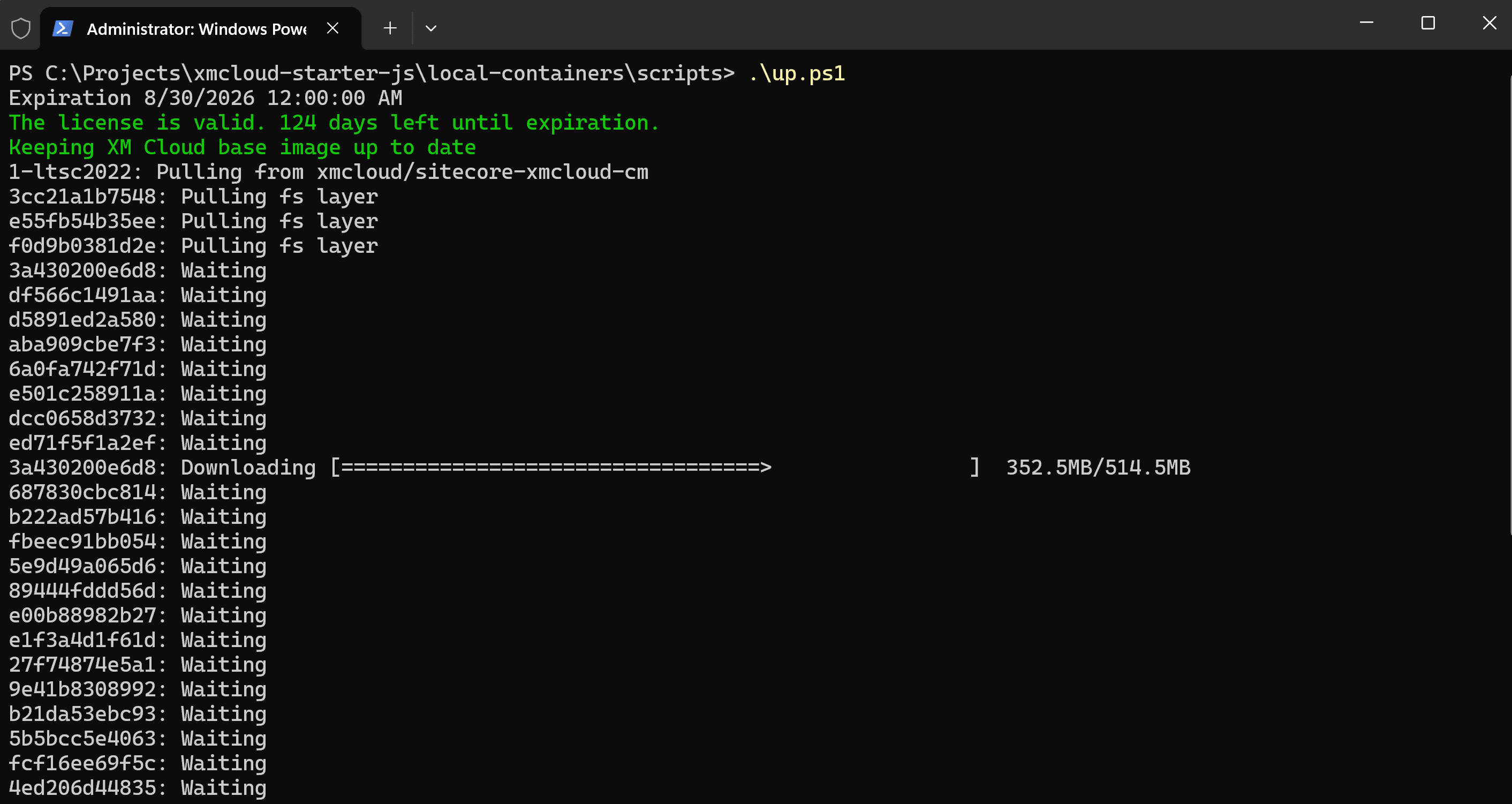
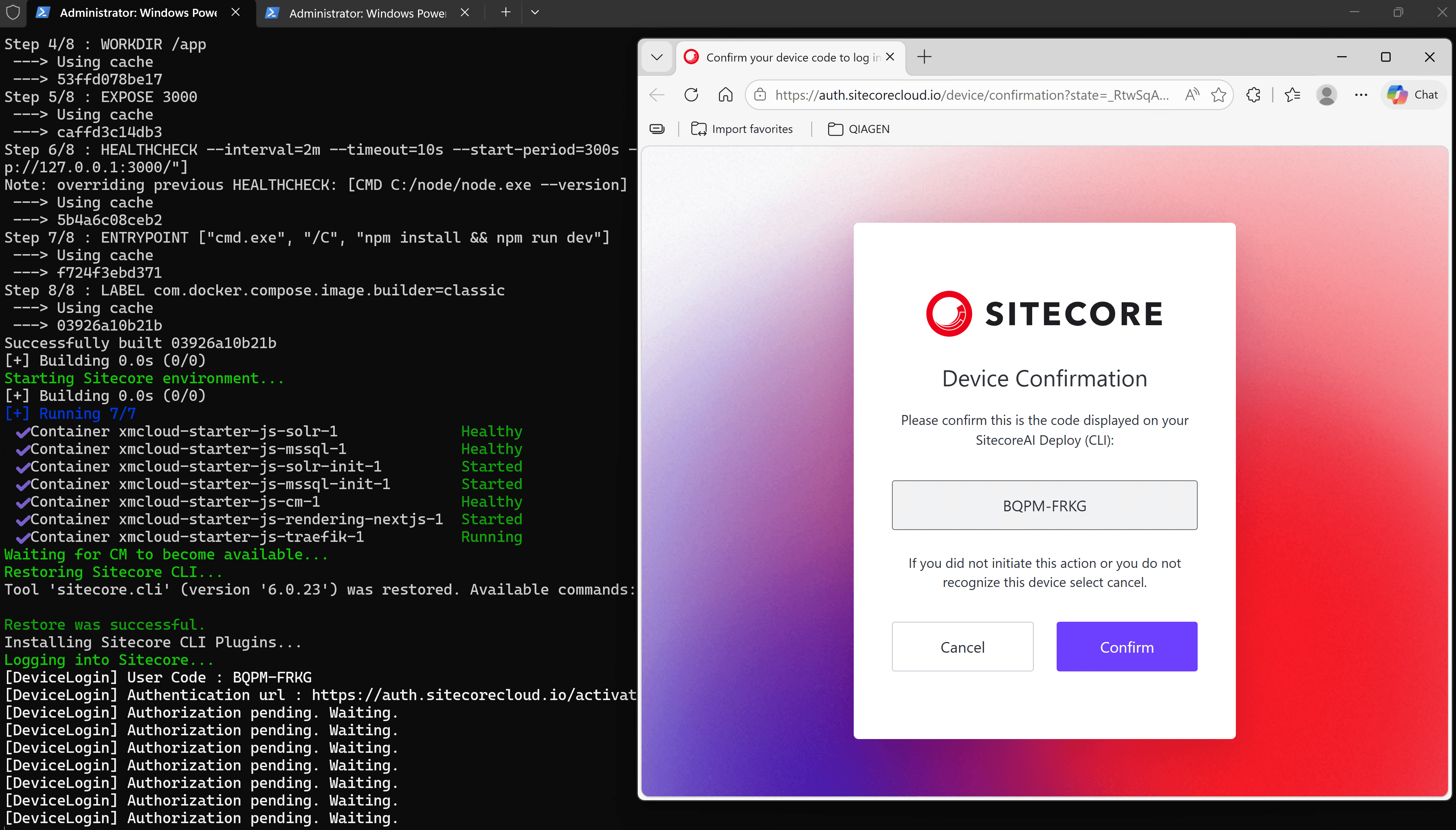
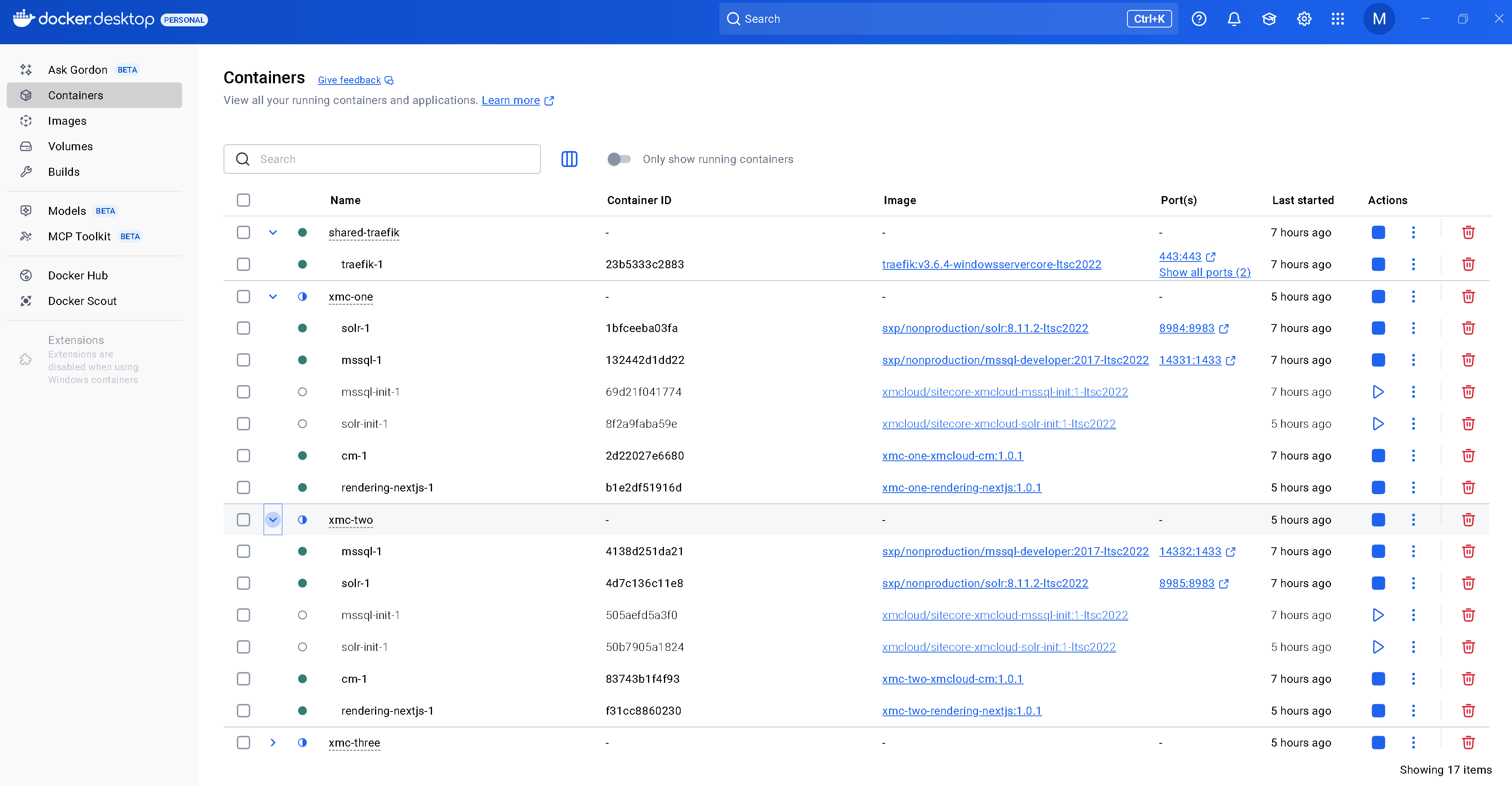
Spinning up Sitecore in local Docker containers used to be the easiest way of starting up. However, the most important fact you have to consider for a containerized setup is that base images are only available for ltsc2022 platform, at least for now. If you are a lucky one using a Windows 11 machine – you get the best possible performance running Sitecore in Process isolation mode. Otherwise, you may struggle with Hyper-V compatibility issues.

The other thing I noticed is that SitecoreDockerTools is simply set to pull the latest version which is 10.3.40 at the time of writing.

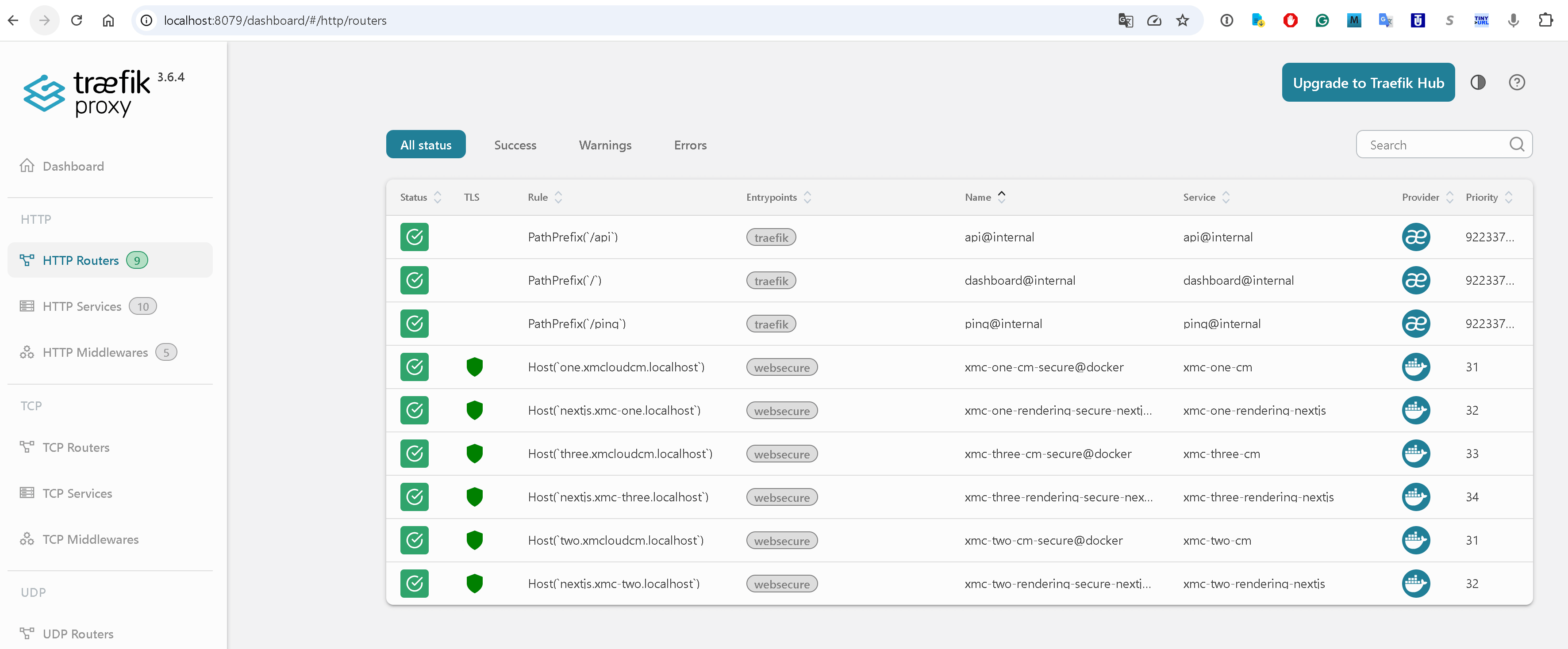
Also, Traefik image remains on one of the older versions (not versions 3.x of Traefik, but 2.9.8 which was even older before – v2.2.0) that do not support ltsc2022 and therefore still uses Hyper-V isolation. You can however fix that manually to have each and every image running fast in Process isolation mode. As always, it helps a lot to examine the list of available published images as your own exercise as some were standardized.

Compared to previous versions, this one seems to be lightweight, with no helpful PowerShell scripts for up & down containers (so we use docker-compose directly) as well as clean-up scripts and others. As before, it supports all three default topologies – XP0, XM1, and XP1.

Sitecore Gallery Tips:

  • Tip 1: Sitecore Gallery has recently moved from MyGet https://sitecore.myget.org/F/sc-powershell/api/v2 to Sitecore hosted NuGet https://nuget.sitecore.com/resources/v2.
  • Tip 2: don’t forget to update the PackageManagement and PowerShellGet modules from PSGallery if needed, as below:
Install-Module -Name PackageManagement -Repository PSGallery -Force -AllowClobber
Install-Module -Name PowerShellGet -Repository PSGallery -Force -AllowClobber

Containers

If for some reason you cannot or are unwilling to use containers, there are other options: SIA and manual installations from a zip archive. Over the past years, I have created a tool called Sifon that is effectively better than SIA, because it can also install all the prerequisites, such as Solr and SQL Server of the required versions, along with downloading the necessary resources from the developer portal. I will add the support for 10.4 in the next few days or a week.

10.4 dashboard

Upon the installation, you will see the Sitecore Dashboard:

Sitecore 10.4 Dashboard

Version 10.4 now operates 010422 revision:

Version 10.4

SXA

This crucial module comes in the correspondent version 10.4 along with a newer 7.0 version of the Sitecore PowerShell Extensions module. The biggest news about this module is that it now supports Tailwind, in the same way as XM Cloud does:

Tailwind

Conclusion

In general, time will prove what I expect this version to be – the most mature version of Sitecore, working faster and more reliably with the updated underlying JavaScript-dependent libraries. I am impatiently waiting for the hot things such as AI integrations and the delayed feature set promised to appear later the month in May 2024 to explore and share about.

All you need to know about Sitecore 10

As you might have already heard, Sitecore has just released a new major version of its product Sitecore 10, the one initially supposed to be numbered as Sitecore 9.4. Let's take a look at what does it have to offer to better understand why Sitecore decided to "release it louder" by giving a major version number.


During the course of this post I will be writing about:

  1. Overview
  2. Installation
  3. Containers
  4. ASP.NET Core
  5. CLI with Serialization
  6. Horizon
  7. Search
  8. XM / CMS-Only
  9. JSS and SXA
  10. Data Exchange and Connectors
  11. Privacy options
  12. Analytics
  13. EXM
  14. Marketing Automation
  15. Experience Editor
  16. Content Hub
  17. Other changes
  18. Further


1. Overview

Finally, Sitecore 10 has been released. With the release of Sitecore 10, a new era of Sitecore development has started, the mostly anticipated approaches becoming an official part of the platform. This version focuses on product updates and enhancements that provide more development and deployment options, increase usability and improve overall performance – all centered around enabling both Marketing and IT teams equally, thus making it easier and faster to launch and evolve digital customer experiences.


2. Installation

From now on, there are 3 option you may choose from in order to get Sitecore 10 up and running. 

Historically, there was an MSI installer to install Sitecore as well as a ZIP archive to handle things manually. With version 8 comes a third-party Sitecore Instance Manager to simplify the installation along with some housekeeping tasks. It is no longer with us.

1. From Sitecore version 9.0 there was one and only official way to install Sitecore - SIF. A bit complicated for newbies and those who aren't familiar with PowerShell and JSON configurations. 

2. Later on with Sitecore 9.2, we got one more option for that - SIA with its GUI. With every next release SIA became more mature and offered more option. As for now, SIA allows to install Solr on your behalf together with few more things, such as extra validations:

  • validates Solr connectivity
  • validates SQL Server connectivity
  • validates the Sitecore license file
  • displays a progress spinner during the installation process
  • supports the installation of Sitecore Experience Commerce

3. Since version 10.0, Sitecore now officially has support for Docker, Kubernetes and image repositories. Sitecore community has been around containers for a while and we made much commitment to make things happen - you may see my older posts on that. This for sure will help delivery teams move to now famous continuous delivery model, making infrastructure-as-code deployments for Sitecore smoother.

Of course, SIF is still available as the default option for local installation, for example on VMs or when your team is not yet ready for containers.

Register-PSRepository -Name SitecoreGallery -SourceLocation https://sitecore.myget.org/F/sc-powershell/api/v2
Install-Module SitecoreInstallFramework -Force

The actual SIF version for Sitecore 10.0 is 2.3.0, to ensure you've got it right type in:

Get-Module SitecoreInstallFramework –ListAvailable

Check if you have got 2.3.0 along with 2.3.0 folder as well in WindowsPowershell folder - then you're ready to install Sitecore 10 using SIF.

You may be interested in reading:


3. Containers

Firstly announced as supported in Sitecore 9.3, Sitecore released version 10.0 out-of-the-box support for containers - now it is an official option to develop or instantiate Sitecore and other services with containers. To help Sitecore developers learn, use, and get started quickly with Docker, there is comprehensive documentation available on developing with Sitecore on containers.

Sitecore has docker container images for Sitecore XP and XM along with non-prod images for MSSQL, Solr and Redis for developers, publicly available from Sitecore image repository. In this initial version, SXA is supported. Now you don't need to build images yourself. There are also liveness and readiness health check endpoints which are especially useful with containers.

1. Sitecore Experience Platform 10.0.0 uses Docker Compose as the container orchestrator on developer workstations. Docker Compose is a simple container deployment tool that is bundled with Docker for Windows. Sitecore container images can be deployed with other tools but we recommend that you use Docker Compose to deploy the containers that form the Sitecore Experience Platform.

2. Sitecore Experience Platform 10.0.0 uses Kubernetes (K8s) as the default orchestrator for deploying production environments. The Sitecore XP Kubernetes specification files that are used to map the minimum required configuration parameters between the Sitecore software containers are provided as a reference.

Sitecore customers are expected to extend these specifications to support their own requirements. It is the responsibility of each Sitecore customer to ensure that their production deployments meet the standards for stability and security set by their organization.

Why are containers important? In general, if you’ve been doing your development with virtual machines or local installations, moving to a Docker-driven development and infrastructure flow will be highly beneficial for you. In general, you can address four major areas:

  • No more need for a long onboarding process for new team members
  • Eliminates pain of having several Sitecore instances especially of various versions in parallel
  • No more "works on my machine" errors
  • Improved operational capabilities with new monitoring and security support
  • Better computer resources management due to process isolation opposing running full OS VM
  • Much more reliable continuous delivery model
  • No need to "install" Sitecore - images are already pre-built for you
  • Infrastructure-as-code approach (IaC) has proven its efficiency and finally landed the world of Sitecore

Adopting Docker and Kubernetes into your workflow will let your team focus on actual development rather than wasting time on repetitive ops, providing standard tooling they need to work on those changes.


4. ASP.NET Core

I don't think anyone missed out all the noise around ASP.NET Core which is an open-source, cross-platform framework for building fast, cloud-based web apps on Windows, macOS, or Linux. Some of Sitecore features prior to version 10 are already based on ASP.NET Core - Publishing Service, Identity Service, Sitecore Commerce websites, not to mention Sitecore Host to support many features like that. However, the core rendering of pages and components still remains dependent  on the legacy of .NET Framework - which terminates at version 4.8 and won't go ahead. With .NET 5 release by the end of 2020, Sitecore has a long term strategy with Sitecore Host and the rest of development moving to .Net Core.

.NET Framework is still there in Sitecore 10 for legacy rendering, but since now we've got a Headless development option allows teams to build applications faster on the latest .NET Core technology. It is really cool especially for those pure back-end developers who just don't want to learn JavaScript and those customers who don't need fully javascripted SPA-like application.

Headless development with ASP.NET Core brings developers same JSS-like advantages, development and runtime isolation for a site, delivering a better development experience. There is a new SDK for headless ASP.NET Core rendering in Sitecore 10. 
Using the same headless services that power JSS, you deliver experiences that work in Experience Editor, track and provide marketing capabilities, but work faster. You can use placeholders, field renderings, model bindings in ASP.NET Core as normal:

  • faster and lighter
  • run headless via the ASP.NET Rendering SDK
  • works in Experience Editor
  • supports routing
  • compiling your rendering code won't cause an app pool recycle in the platform
  • only connect to Sitecore when need to: making changes to the presentation layer, pushing them, debugging in a seconds
  • remote rendering host - developers can build straight from VS into the rendering host and test changes without recycling all of Sitecore every time. 


And a cherry on a cake - there's a Getting Started Template that demonstrates all the features for the release all together. Not to say that works well with your development version running in Docker containers. The code is available on GitHub. To install latest template type:
dotnet new -i Sitecore.DevEx.Templates --nuget-source https://sitecore.myget.org/F/sc-packages/api/v3/index.json
Looking forward to see full support for ASP.NET Core 5 in the next releases of Sitecore.


5. CLI with Serialization

As we've been shown at Sitecore MVP Summit last year, Sitecore developed Command Line Interface (CLI) to interact with a Sitecore instance. The expectation is to be able doing pretty much everything from command line and in that sense it will intersect (or may even absorb) PowerShell Extensions. In order to attract developers to CLI - they decided to start with serialization. 

It was quite a surprise that Sitecore got to proper built-in way to serialize items from or deploy items into Sitecore - only using third-party tooling. Now this release of the CLI Sitecore is standardizing the tooling and approaches for serialization. Its initial release allows you serializing, pushing items with further publishing, by combining the best of TDS and Unicorn.

To support the security one need to login in via interactive or automated authentication flows, integrated with Identity Server.

With next releases, CLI will add more functionality, but what is even more thrilling, a plugin system for adding new commands via NuGet is also expected. And since it will cover all the aspects of creating and managing content, one can even create a wrapper over it implementing own version of Content Editor with any set of features (in fact, there's no need to since we've got Horizon, keep reading below). 

For those who prefer GUI over command line, there is also a wrapper available over existing set of serialization CLI-features of Sitecore for Visual Studio, a new member of the Sitecore Developer Collection that does Sitecore Content Serialization from a GUI within Visual Studio - similar to TDS did before.

More reading:

6. Horizon

The first version of the new content editing experience called Horizon has been released with Sitecore 9.3 and there has been a lot of buzz around new editing interface since then. That first version was quite limited with supported functionalities.

Now with the second release of Sitecore, it supports more functionalities:

  • Multi-site and multi-lingual are now supported and added to the user interface
  • Drag & drop support in the page tree to organize your site’s structure
  • Content Hub integration
  • Keyboard shortcuts 
  • SXA sites are also supported with all the above
Horizon Content is a content manager that you use to manage content without a presentation layer. In Content you can see meta data for each field and you can edit content that is not accessible in Pages

Speaking of SXA sites, the integration to SXA has been improved to support editing directly on the page for all supported field types and also do site-specific images and datasources. A tighter integration between SXA and Horizon editing will be coming over the course of the Sitecore 10 series.

A new dedicated field editor experience allows you to edit page metadata that is not directly editable on the page. This allows you to edit other types of fields without the WYSIWYG interface. This is also useful for editing ‘headless’ content that is not intended for a page. Using the new Content view allows you to see all the content items, not just the pages, and edit your data in the Horizon field editor.

Extending Horizon with plugins is not yet available, however is expected with oncoming releases.

With assets in Sitecore Content Hub DAM, you can now leverage that rich media in the Horizon editor instead of only using the native Sitecore Experience Platform media library. This allows your marketing team to have a better flow from Content Hub to your web channel.


Sooner or later this should have happened - Sitecore XP 10.0.0 deprecates Azure Search and it will be completely removed ​in a future release​. If you are starting a new Sitecore project, please use Solr as your search engine.

What I especially love with Sitecore over the years, they do admit and fix previously done mistakes. Azure Search was not fully compatible since day one, I personally struggles so much with it. Finally it will leave Sitecore.

Sitecore XP no longer from passes malformed content to Solr​ ​-it now filters and validates content prior sending it to Solr​.

Last but not the least, Sitecore 10 now requires Solr version 8.4.0 to work with.


8. XM / CMS-Only

Few version ago, Sitecore came up with a lightweight and very fast CMS-only version of its product, opposing full XP with full-powered analytics and much more things around it. However for some reason there was not rule engine personalization coming with XM topology which was not right: for those not needing the full xConnect, still want get use use of some basic personalization or implementing custom conditions, especially valuable for SXA websites. Finally that got fixed and one can now run simple personalization on lightweight XM installations. This functionality contains session-based and device rules that do not depend on tracker or marketing definitions available in the XM package.

Please refer to the list of personalization conditions available for XM to find out more.


9. JSS 14.0 and SXA version 10.0

There are not much of new JSS features with this release, the changes are mostly relate to the stability improvements and support for new platform features. Thus, new JSS can now successfully handle forwarded deployment requests when it is installed behind a reverse proxy as it is in Docker. Exactly the same applies to SXA.

SXA keeps having its versions aligned to the platform release, in order to avoid the confusion.

For more details on what's new, please read the following:


10. Data Exchange and Connectors

Changes in Data Exchange Framework (DEF):

  • Additional field types added to CMP Connector
  • You can now sync a single contact
  • Respond to live events on the site

Sitecore Connect for Salesforce Marketing Cloud allows teams to work in Salesforce Marketing Cloud and leverage the rich visitor analytics data stored in xDB. Now, with the latest release, xDB information can be more easily sent to SalesForce. You can make use of this connection in real-time, no need to wait for a nightly batch. A new Sitecore Marketing automation activity, specifically for Salesforce Marketing Cloud, allows marketers to configure a realtime event to integrate with SFMC.

By connecting directly to the Salesforce Marketing Cloud, marketing teams can respond to events in Sitecore and immediately send information about the current visitor over to Salesforce Marketing Cloud and place visitors into Journey Builder marketing automation plans. This means that you can respond across all your channels to events, in real-time, in the marketing automation tool that you use.

Please read this link for more details on SalesForce Connector.


11. Privacy options

Previous releases of the platform have progressively been improving the privacy tools available to teams looking to meet with regulatory needs and customer privacy demands. In Sitecore 10, new support has been added to help you on your journey. Sitecore 10.0 and later provides API calls and configuration options that makes it easier to enforce explicit consent for tracking a contact's activity on your websites.“Update consent settings” now allows you to remove contacts from marketing messages or all messages. In general, there are two new "rights":

1. Right to be forgotten. With this release, Sitecore Forms makes it easier for you to support erasing this personal identifiable data that is saved via the out-of-the-box Save data submit action. This includes redacting submission values, removing any associations to xDB Contacts, and deleting any files uploaded by the visitor. At the same time this approach still allows marketing teams to see reporting data, despite being anonymized.

2. Right to object. A second change in this release regards making it easier to enforce and manage consent choices. Visitor tracking now requires that giving explicit consent.and marketing teams need to respect and store these choices and make decisions on them. The new consent management tools available in the platform allow for implementation teams to configure sites to require explicit consent before the Sitecore tracking will begin. The tracker is now able to be disabled based on the consent settings stored for the user, and xDB supports the ability to store these consent settings and persist it across visits for the contact.

This allows marketing teams to add additional consent requirements for specific sites that need to meet stricter privacy guidelines.


12. Analytics

Getting insights from Sitecore’s analytics reports is great, but previously one could not filter on specific segments. Now, there is a new filtering functionality available in all reports! 

This means that you can use Segments created from List Manager based on all sorts of segmentation rules as filters on your analytics. In the past when the “Use as analytics filter” was enabled in a Segment, you needed to apply some extra configuration to have this filter available in your reports. Now, this filter is available in the analytics reports without any extra configuration:

  • Target segments of contacts via predefined rules and then report based on that segment
  • Report on the performance of key audience groups
  • Push an email to a segmented list and then see the impact across the site

This is great, because with the extensive set of available segmentation rules, it’s very easy to zoom into the analytics for these specific segments focusing on a group of contacts.


13. EXM

Before Sitecore 9.2, there were no standard templates available OOB at all. Now, with Sitecore 10 we've got even more new additional templates added to the product: 

  • Left Image Block
  • Right Image Block
  • Image Focus

This saves much time for the customers using EXM from developing such email templates from scratch, as these templates can become a great starting point at the cost of a single click. But what is really great - these templates are completely customizable to using Scriban, similar to editing rendering variants in SXA.


14. Marketing Automation

Firstly, Marketing Automation has been reworked to allow for more efficient loading of xConnect data, there are performance improvements in XConnect for customers who do not use Marketing Automation. It does not load contacts and interactions unless there is an inactive or active plan.

Secondly, there are new rules around birthdays added to engage with contacts around their birth date. You can now do things like:

  • sending offers X days in advance of their birthday
  • sending greetings on their birthday
  • sending reminders and follow-up with your customer some number of days after their birthday

Thirdly, usability improved by rephrasing and redefining rules and settings, as well as security changes.


15. Experience Editor

Ladies and gentlemen, let me introduce the feature mostly wanted and requested by marketers which we finally got! The feature which on its own may save hundreds of hours for you content or marketing teams. And here is it:

All content pasted from Word into Rich Text Field is cleaned. Therefore no more Ms Word styling coming into a field, just pure content.

This might look as a minor improvement, but a lot of authors have been waiting for easier workflow going from their Ms Word documents into Sitecore rich text fields. Previously, authors often broke the styling on a site as their copy-pasted content included extra unwanted markup from their documents that conflicted with the styles already on a site. With the new changes, clean source HTML is created that preserves the content and the styling especially for those customers who aren't using Content Hub.


16. Content Hub

Once again I want to clarify very common confusion. Content Hub isn't just a replacement for Media Library. Quite opposite - Sitecore Content Hub is now the central hub for all media content in their DAM, but also content models defined in CMP. And Sitecore is just only one of the channels of content publishing with the web channel is only one channel consuming this content. Current release expands how much content can be managed in CMP and then integrated to the Sitecore Experience Platform. With support for additional field types, this allows marketing teams to centralize more of their content creation into Content Hub and still leverage this with their web teams. With the addition of a taxonomy import, marketing teams can also make sure that the taxonomy associations they make in Content Hub will persist into the content items in Sitecore.


17. Other changes

Just go through them in a form of a bullet list:

  • Sitecore PowerShell Extensions version 6.1.1 is accompanying this platform release.
  • With Sitecore 9.2 we've got Active Personalization report. Now with version 10 numerous performance optimizations have been put in the active personalization list, including infinite scrolling, caching, lazy loading, and back-end optimizations
  • You can now abort currently running jobs - another widely demanded feature.
  • Session State has been optimized for performance, expecting a 10-15% faster response time for CD servers.
  • The Shared Session State database is now disabled by default, but can be enabled if required.
  • Application map support has been one of the highest requested features for operations teams running their infrastructure on Azure, now it's possible to view and diagnose the xConnect stack directly in the application map, with monitoring and diagnosing allowing to start tracing requests.
  • Massive performance improvements to xDB change tracking achieved by changing the way changes are tracked in xDB. This allows for a faster processing when there is a high volume of changes being made, while simultaneously being less heavy on server resources.
  • A new page that automatically collects basic information about your Identity Server instance has been added.
  • You can configure service pages (Error, Not Found, and so on) for each website on content tree structure.
  • There is also already available Sitecore Commerce 10.0 that works on top of Sitecore XP 10.0.


18. Further reading

This is not the full list of changes and features coming with this so much promising Sitecore 10 release. You may use the links below for your own investigation: